
Comprehensive System Assessment
Our specialists perform a detailed evaluation of your computer to identify the root causes of slow performance, unexpected crashes, freezing, and other technical issues.
Malware and Threat Removal
We detect and eliminate viruses, spyware, malware, and other harmful programs that may be affecting your system's security and speed.
System Performance Enhancement
By optimizing startup applications, background services, and system configurations, we help improve overall speed, efficiency, and responsiveness.
Disk Cleanup and Storage Management
We remove unnecessary files, clear temporary data, and organize storage to create additional space and enhance system performance.
Security and Update Support
Our team assists with installing critical updates, configuring security software, and strengthening your device's protection against online threats.
Hardware Upgrade Recommendations
When necessary, we provide guidance on memory (RAM) and storage (SSD) upgrades to help improve performance, multitasking capabilities, and system reliability.
Spyware and potentially unwanted programs can operate silently in the background, monitor activity, generate intrusive advertisements, and reduce overall system efficiency. These applications often enter devices through unsafe downloads, suspicious websites, or malicious email attachments.
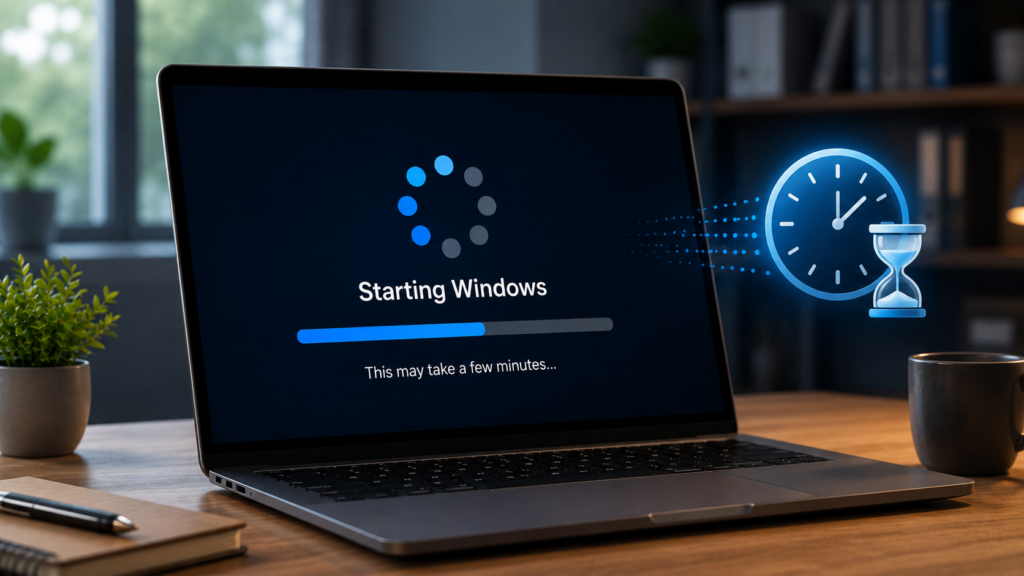
When numerous applications launch automatically during startup, they consume valuable system resources, resulting in longer boot times and reduced performance.
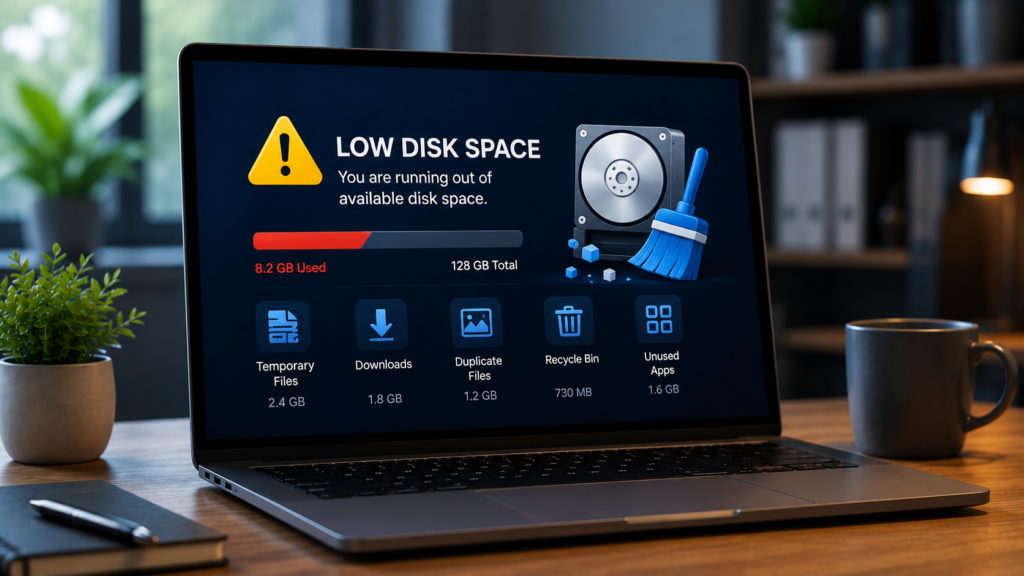
Insufficient storage can negatively affect system speed, stability, and application performance. Temporary files, duplicate content, downloads, and unused software often occupy significant space.
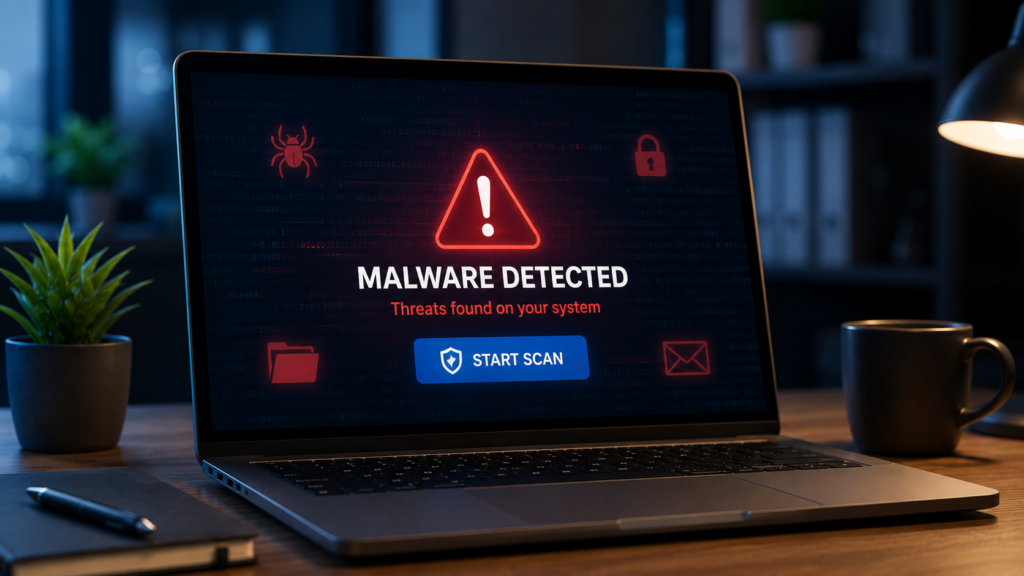
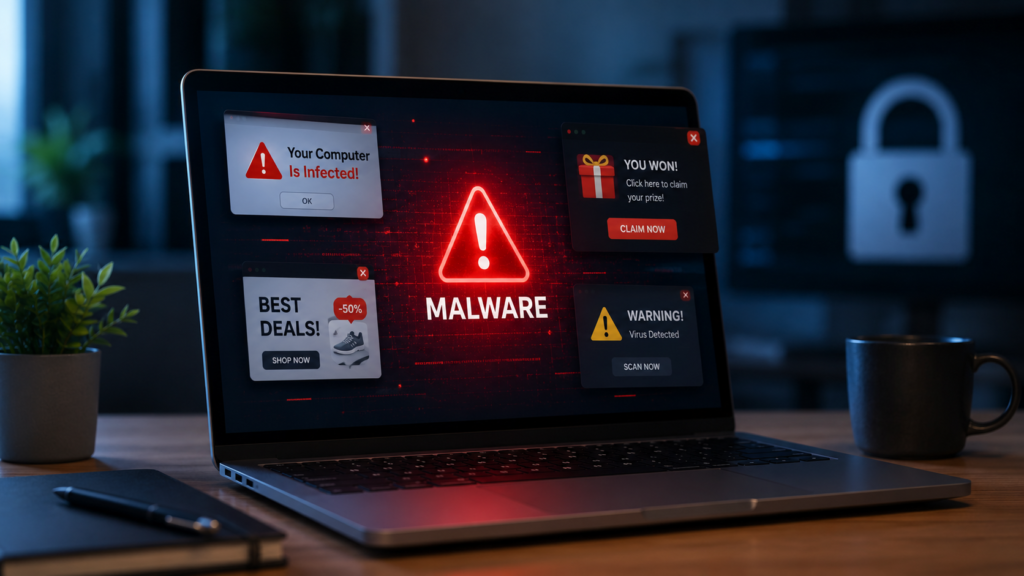
Malicious software can slow down your system, compromise sensitive information, damage files, and create security vulnerabilities. Infected devices often experience instability and reduced performance.
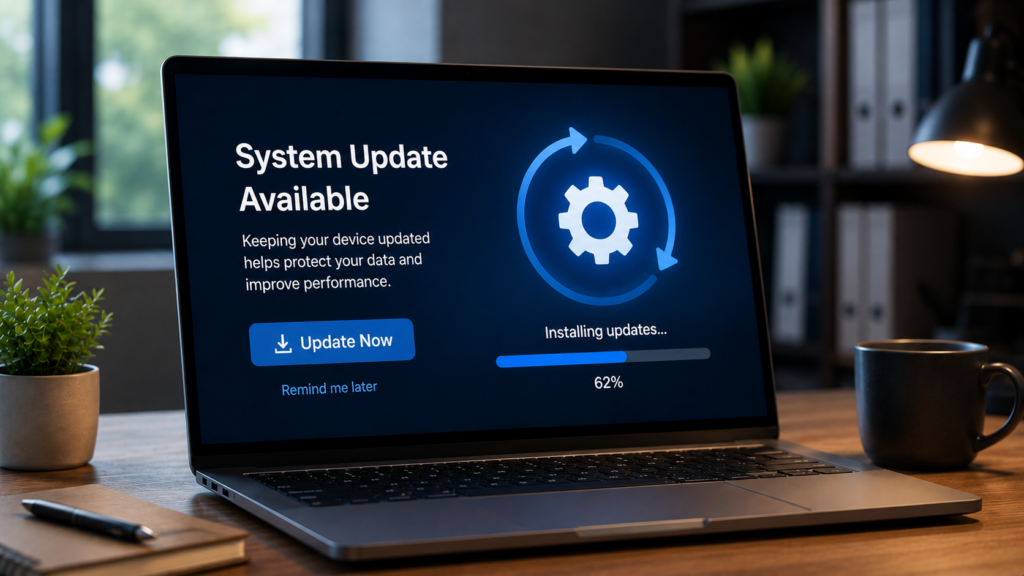
Using outdated software can expose your computer to security risks, compatibility problems, and performance issues. Regular updates are essential for maintaining reliability and protection.
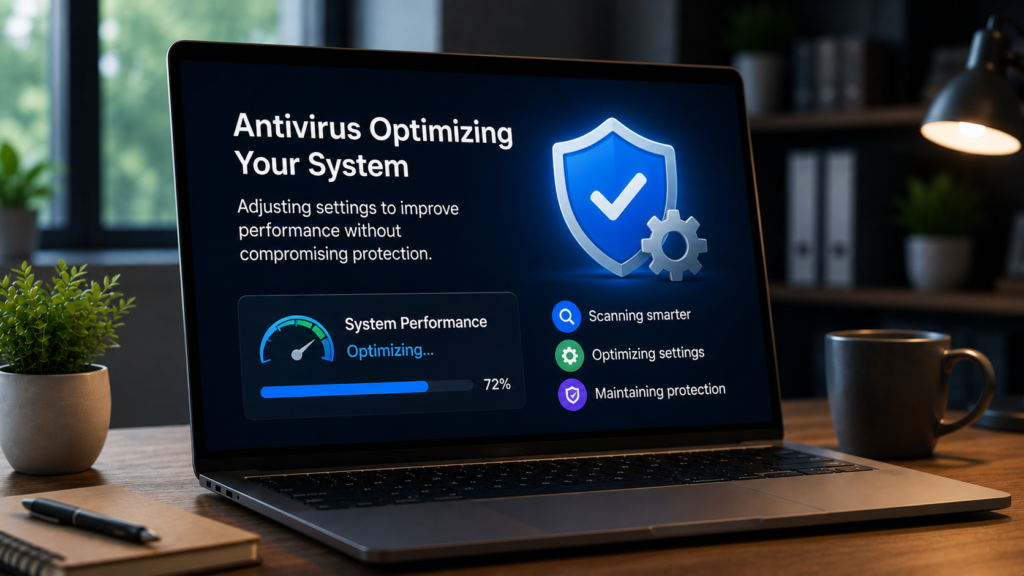
Continuous background scans and improperly configured antivirus settings can consume excessive system resources, especially on older computers.
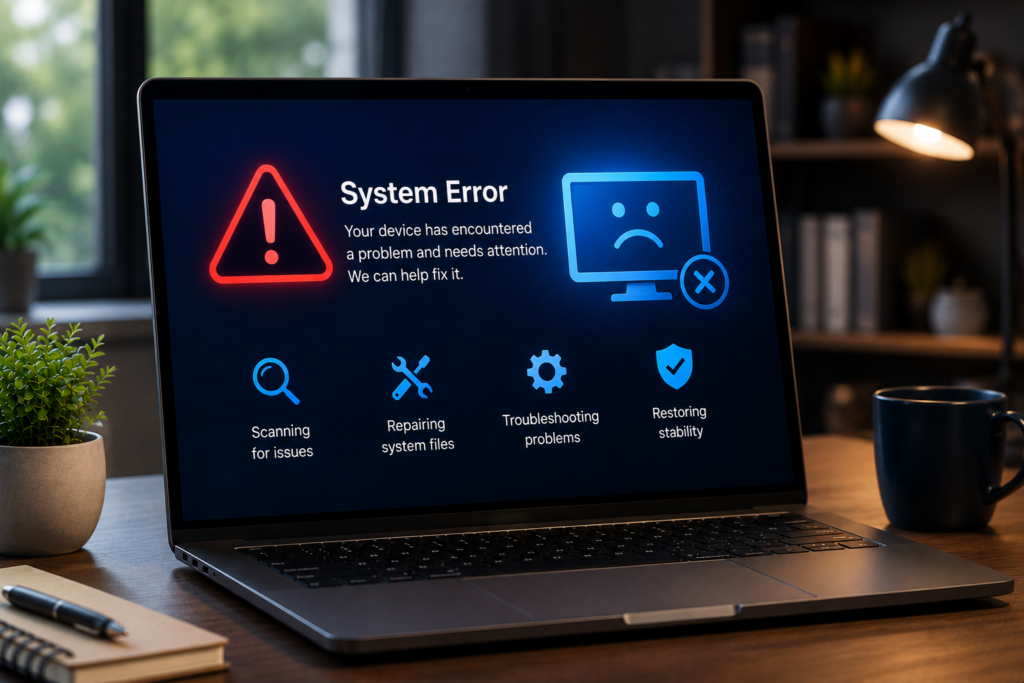
Corrupted system files can lead to startup failures, software errors, freezing, and overall instability. These issues may result from malware, unexpected shutdowns, or software conflicts.
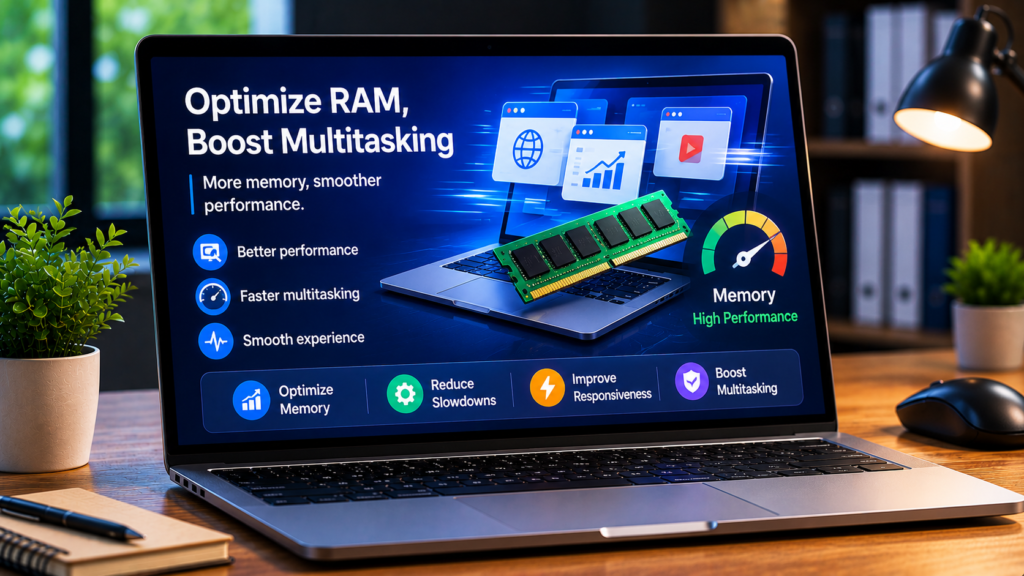
A lack of available RAM can cause slowdowns, freezing, and reduced responsiveness when running multiple applications or browser tabs simultaneously.
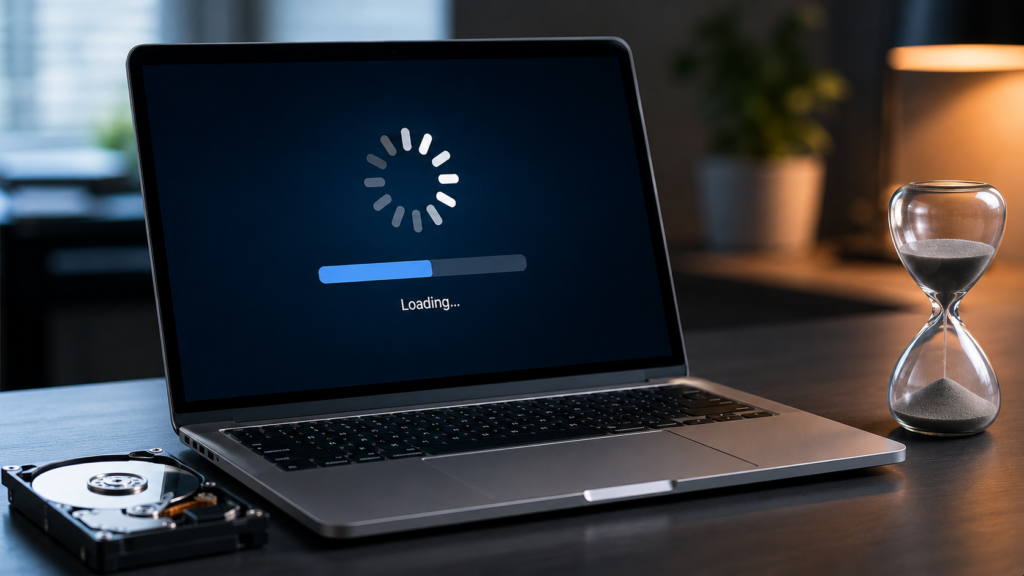
Older hard drives often become less efficient over time, resulting in slow boot speeds, delayed file access, and reduced application performance.
ipcsol.online provides simple and reliable solutions for common computer problems. Our goal is to help users troubleshoot issues easily with clear, step-by-step guidance
Address: 670 River St, Hyde Park, MA 02136, USA

All information on ipcsol.online is provided for general informational and educational purposes only. ipcsol.online makes no warranties regarding the accuracy, reliability, or completeness of any content. Any action you take based on the information on this website is strictly at your own risk. We are not responsible for any loss, damage, or issues arising from the use of this website or any third-party links, software, or services.
Copyright © 2026 ipcsol.online.